> ## Documentation Index
> Fetch the complete documentation index at: https://docs.oculusproxies.com/llms.txt
> Use this file to discover all available pages before exploring further.
# Oculus Proxies Support Chatbot
> Get Answers Fast with the Oculus Proxies ChatBot.
## What is the ChatBot?
The Oculus Proxies ChatBot is an automated support tool accessible from your dashboard. It is designed to help you quickly find information or connect with a human agent regarding your Oculus Proxies account, proxies, billing, or any other services.
## How to Use the ChatBot
The chatbot conversation flow typically begins with selecting a general topic and then moving to a specific query.
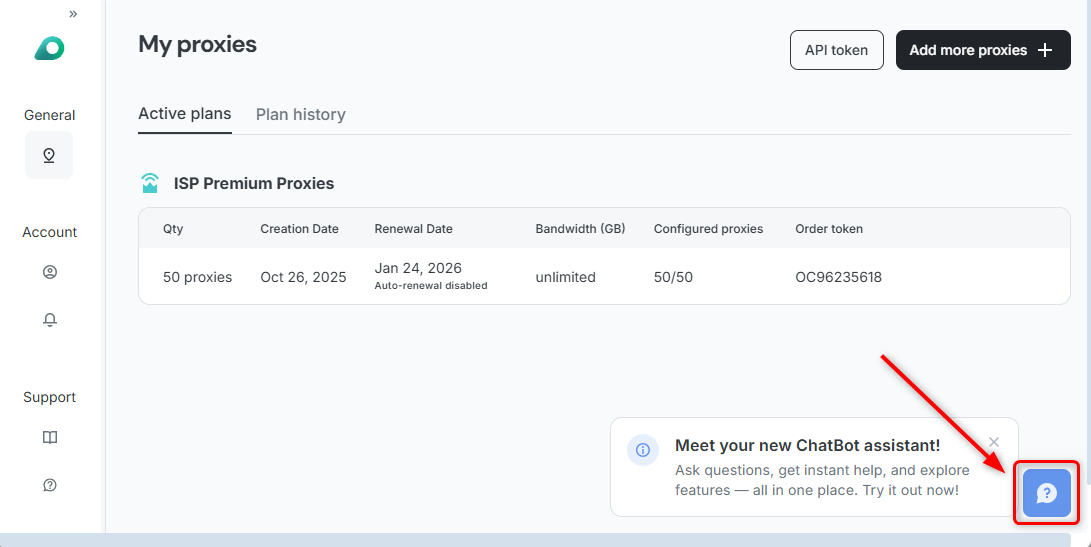
Click the support/help button (**`?`** icon) on your dashboard to start the conversation.
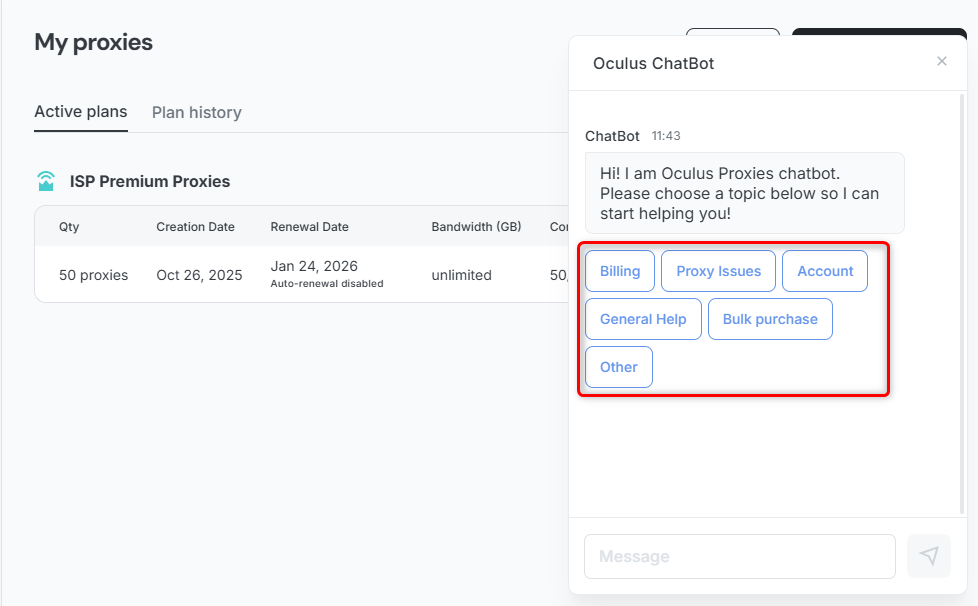
 The bot will greet you and present initial topic choices: **Billing**, **Proxy Issues**, **Account**, **General Help**, **Bulk purchase**, and **Other** (if none describe your topic).
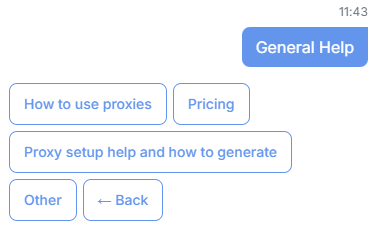
 Selecting an initial topic, like **General Help**, will prompt you with further subtopic choices: **How to use proxies**, **Pricing**, **Proxy setup help and how to generate**, **Other**, and **← Back** if you need to choose a different main category.
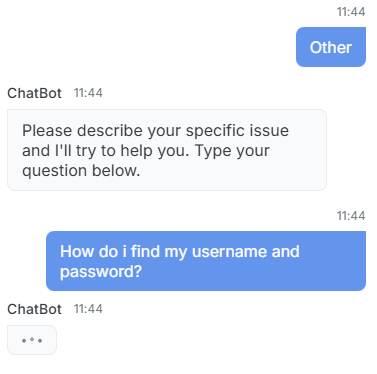
 If none of the default options cover your query, you can select **Other**.
1. Select **Other** from the topic list.
2. The bot will prompt you to describe your specific issue in a message.
3. Type your question (e.g., **How do i find my username and password?**).
If none of the default options cover your query, you can select **Other**.
1. Select **Other** from the topic list.
2. The bot will prompt you to describe your specific issue in a message.
3. Type your question (e.g., **How do i find my username and password?**).
 The bot will answer your question with specific instructions.
**Example Answer (Finding Credentials):**
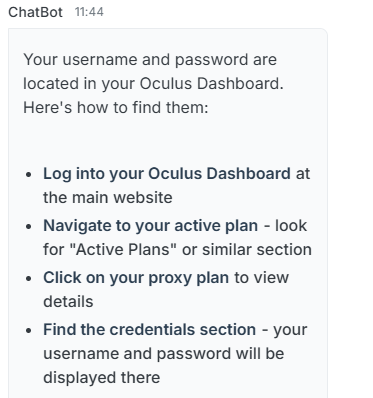
Your username and password are located in your Oculus Dashboard. Here's how to find them:
* Log into your Oculus Dashboard at the main website.
* Navigate to your active plan - look for "Active Plans" or similar section.
* Click on your proxy plan to view details.
* Find the credentials section - your username and password will be displayed there.
The bot will answer your question with specific instructions.
**Example Answer (Finding Credentials):**
Your username and password are located in your Oculus Dashboard. Here's how to find them:
* Log into your Oculus Dashboard at the main website.
* Navigate to your active plan - look for "Active Plans" or similar section.
* Click on your proxy plan to view details.
* Find the credentials section - your username and password will be displayed there.
 If the bot cannot resolve your issue, or if you require personalized support for complex setup, it will offer to connect you to a human support agent.
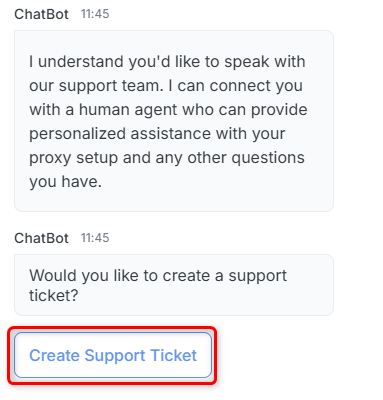
If asked, "Would you like to create a support ticket?", you may consent by pressing the **Create Support Ticket** button.
If the bot cannot resolve your issue, or if you require personalized support for complex setup, it will offer to connect you to a human support agent.
If asked, "Would you like to create a support ticket?", you may consent by pressing the **Create Support Ticket** button.
 Your feedback is important to us! If our assistance was helpful, please consider leaving a positive rating inside the chatbot and sharing your experience on Trustpilot.