


What is Fluxguard?
Fluxguard provides an advanced solution for detecting and analyzing critical changes in web data. Its AI-powered crawler continuously scans websites for updates, reducing false positives and minimizing manual effort. With automated workflows and real-time insights, it enhances efficiency and ensures accurate monitoring. Pairing Fluxguard with Oculus Proxies allows you to track website changes discreetly, bypass restrictions, and maintain complete privacy.How to Integrate Oculus Proxies With Fluxguard
1
Sign Up
Sign up and access the Fluxguard dashboard.
2
Add a Website to Monitor
In the dashboard, click ADD SITE.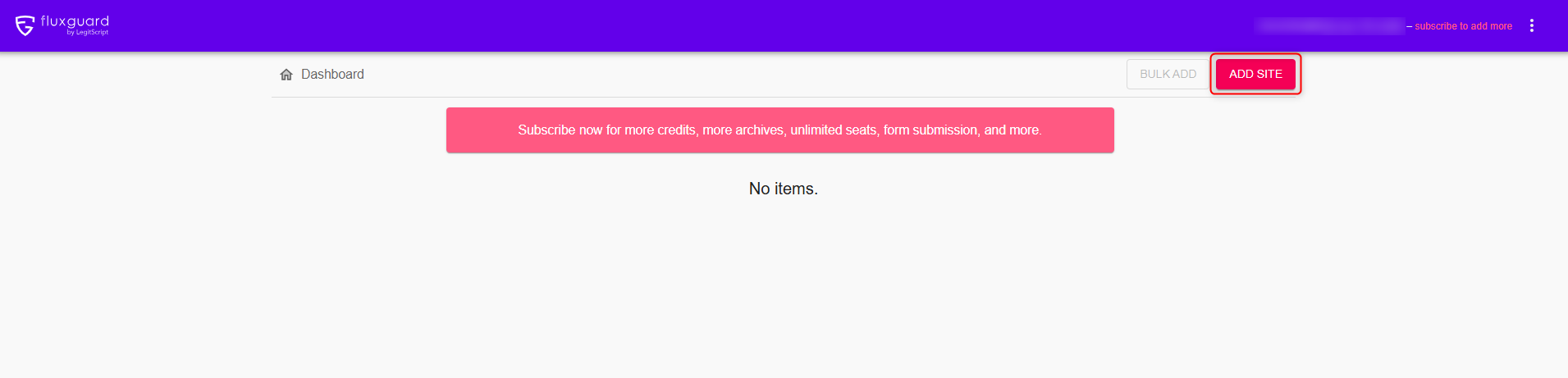
3
Session Settings
Enter the URL you want to monitor, and click SAVE.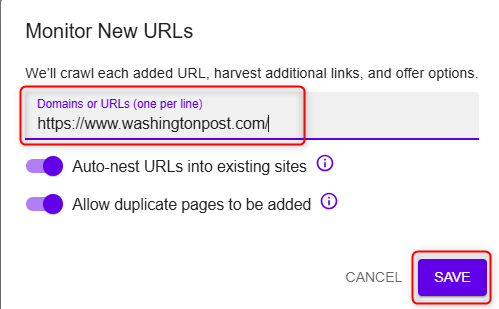
4
Configure Proxy Settings
When the following window shows up, head to Session settings.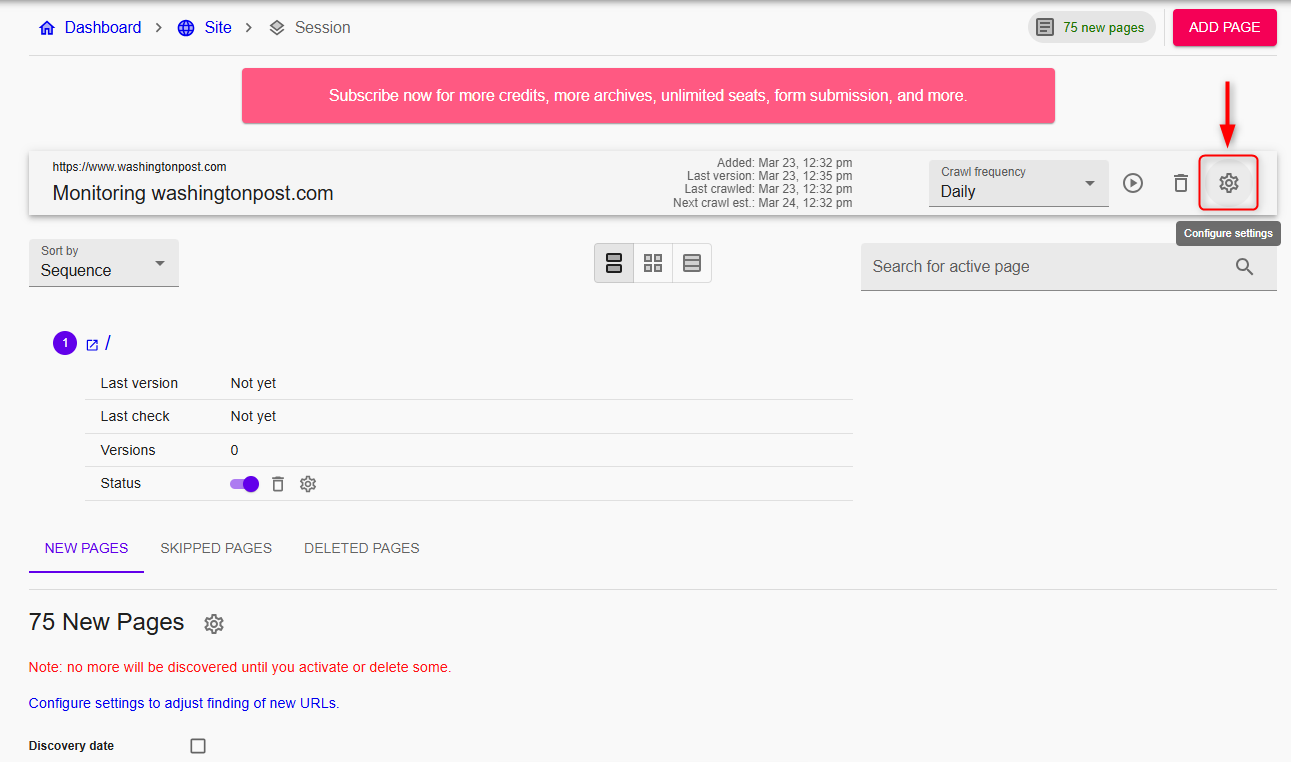
5
Enter Proxy Details
Navigate to the CRAWL tab and select the Proxies sub-tab, enter the necessary proxy details using one of the two available methods: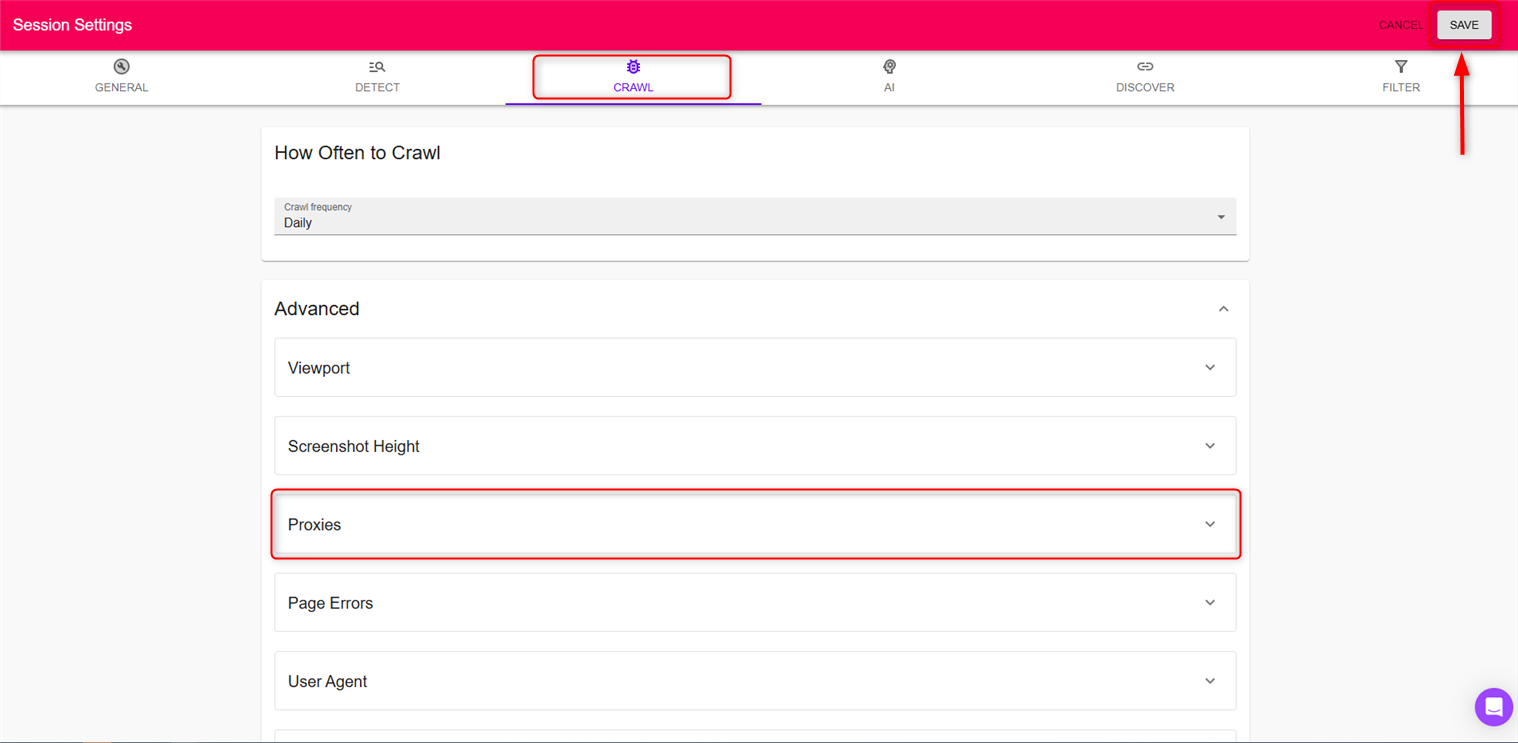
- Quick insert:
username:password@host:port - Or separately:
Host,Port,Username,Password. Hit Save and return to your dashboard for monitoring.