

What is the ChatBot?
The Oculus Proxies ChatBot is an automated support tool accessible from your dashboard. It is designed to help you quickly find information or connect with a human agent regarding your Oculus Proxies account, proxies, billing, or any other services.How to Use the ChatBot
The chatbot conversation flow typically begins with selecting a general topic and then moving to a specific query.1
Start the Conversation
Click the support/help button (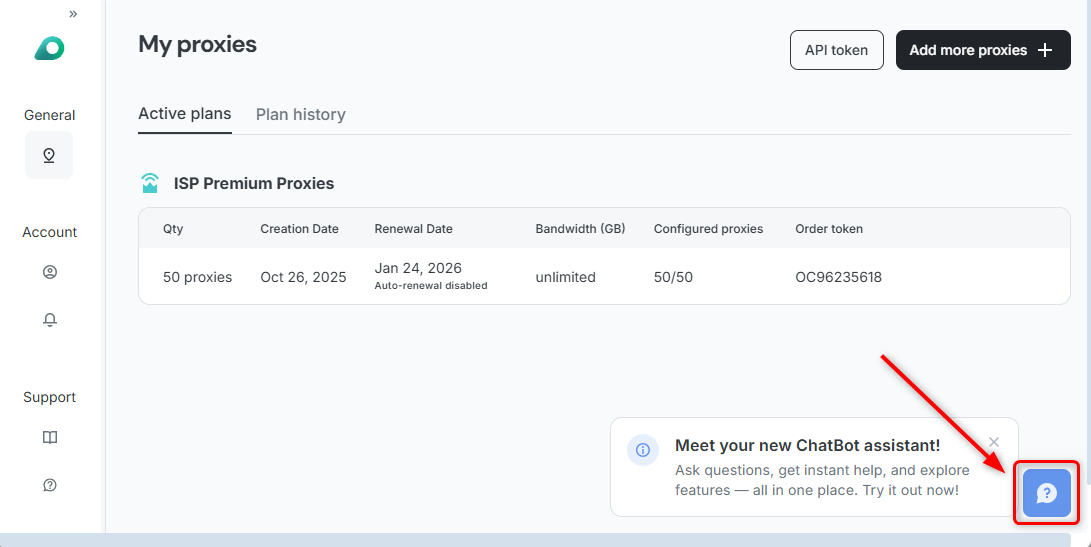
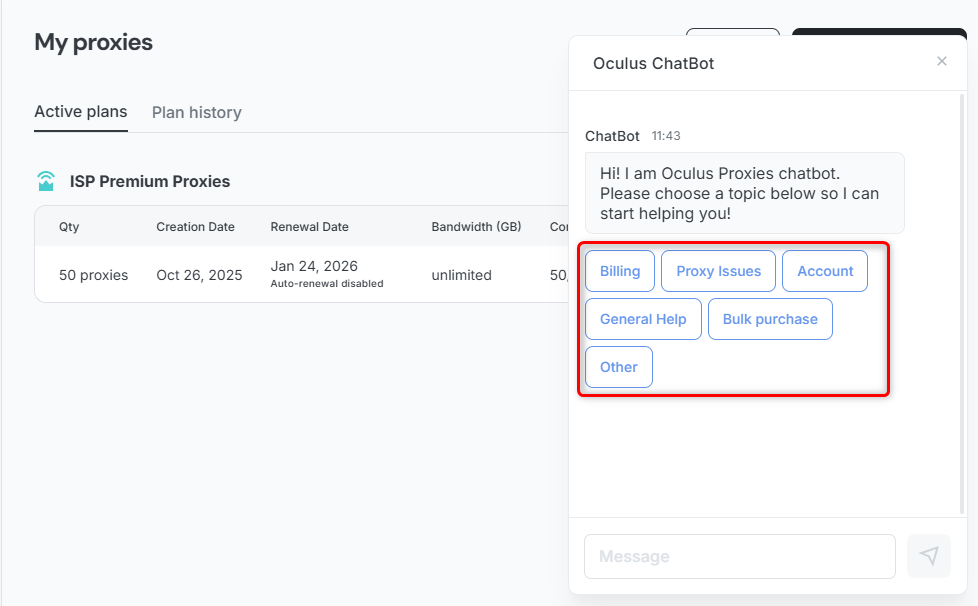
? icon) on your dashboard to start the conversation.2
Refining the Topic
Selecting an initial topic, like General Help, will prompt you with further subtopic choices: How to use proxies, Pricing, Proxy setup help and how to generate, Other, and ← Back if you need to choose a different main category.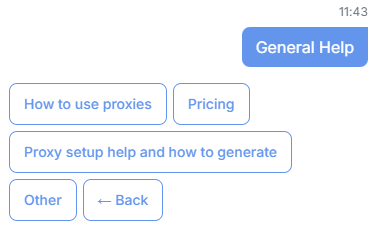
3
Asking a Specific Question
If none of the default options cover your query, you can select Other.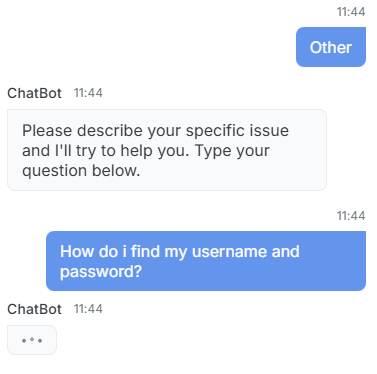
- Select Other from the topic list.
- The bot will prompt you to describe your specific issue in a message.
- Type your question (e.g., How do i find my username and password?).
4
Getting an Automated Answer
The bot will answer your question with specific instructions.
Example Answer (Finding Credentials):
Your username and password are located in your Oculus Dashboard. Here’s how to find them: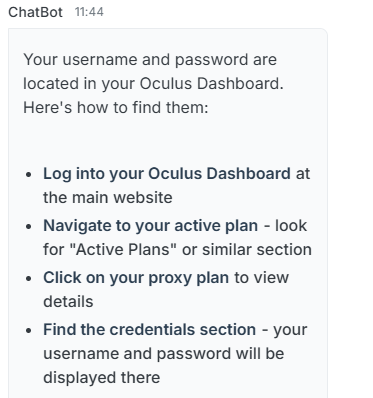
- Log into your Oculus Dashboard at the main website.
- Navigate to your active plan - look for “Active Plans” or similar section.
- Click on your proxy plan to view details.
- Find the credentials section - your username and password will be displayed there.
5
Connecting with a Human Agent
If the bot cannot resolve your issue, or if you require personalized support for complex setup, it will offer to connect you to a human support agent.
If asked, “Would you like to create a support ticket?”, you may consent by pressing the Create Support Ticket button.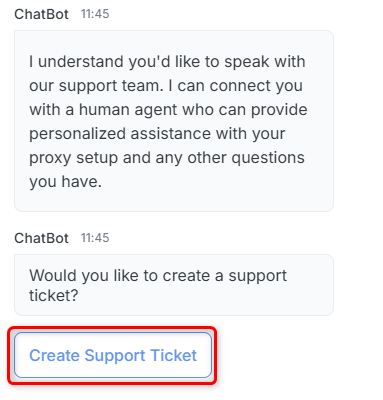
Your feedback is important to us! If our assistance was helpful, please consider leaving a positive rating inside the chatbot and sharing your experience on Trustpilot.